Smart-sending window vs flow frequency filter: account-wide recent-send skip vs per-flow rules
Channel-wide smart-sending skips vs local flow frequency filters—scope, reschedule, examples, FAQ.

Niloofar Karimi
Product positioning, messaging, and content for product growth—aligned with product and sales.
September 24, 2026 · 5 min read
Also available in فارسی
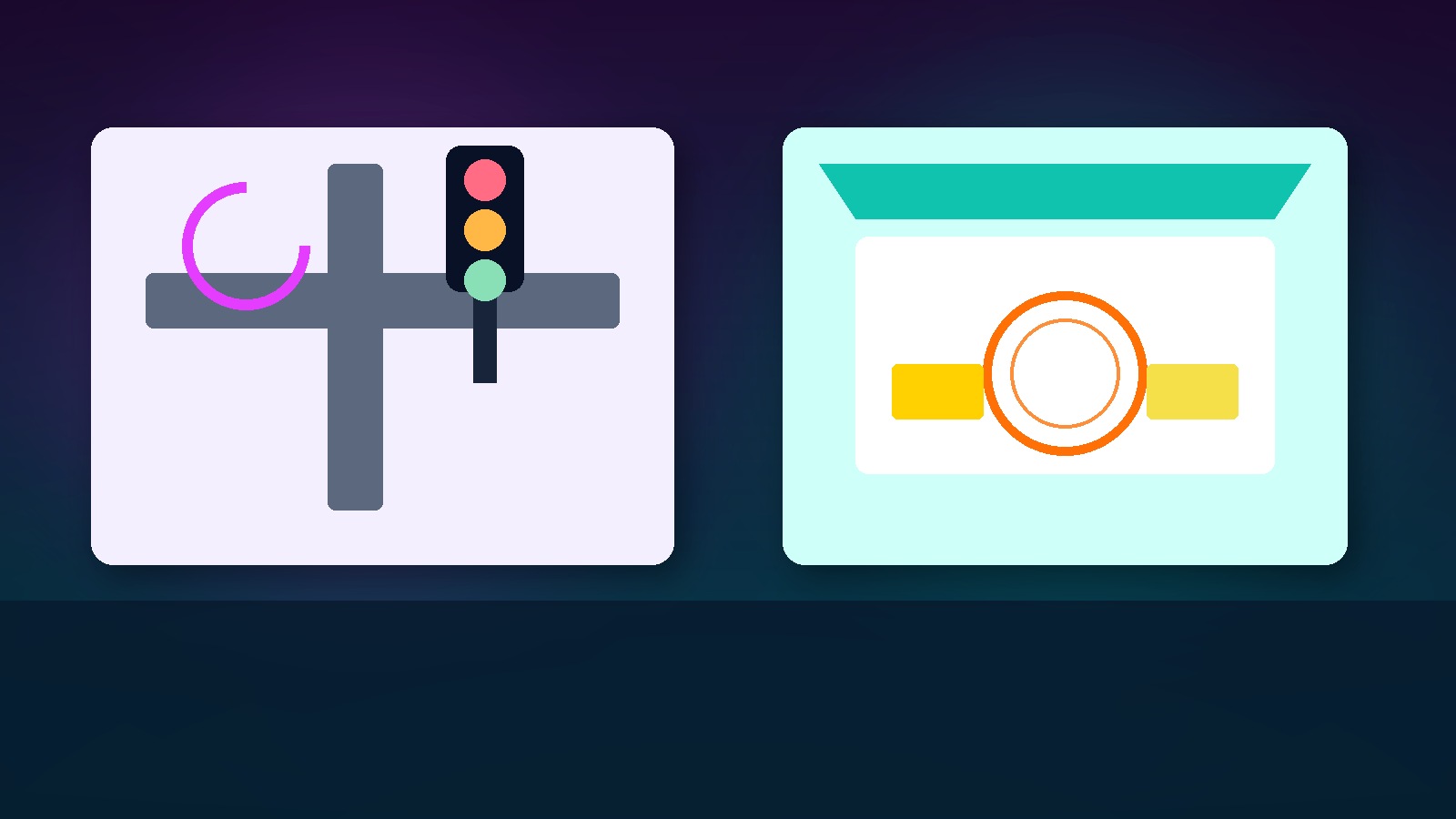
A smart-sending window is an account/channel countdown that skips marketing sends if the profile was contacted too recently (and does not auto-reschedule); a flow frequency filter is a local rule like received this flow zero times in X days checked at that flow's steps.
What is the difference between a smart-sending window and a flow frequency filter?
Teams enable “smart sending,” add “received this flow 0 times in 7 days,” then wonder why a flash sale missed welcome recipients—or why two SMS still landed back-to-back. They mixed a channel-wide fatigue guard with a local path rule.
How each works
Smart-sending / account-wide skip window
Configured per account or channel (email 16h, SMS 12h). If the last marketing send on that channel falls inside the window, the next send is skipped. Many tools do not auto-reschedule skips—you lose the slot unless you build retry logic. Transactional traffic usually bypasses the guard.
Flow frequency filter
A rule on that flow or step: “received this flow 0 times in 30 days,” “only send email 2 if email 1 was received.” Local scope; it will not restrain a neighboring flash-sale campaign unless you also have a global cap.
| Dimension | Channel-wide skip window | Flow frequency filter |
|---|---|---|
| Scope | Account / channel | One flow or step |
| Question | Messaged recently on this channel? | Seen this path how often? |
| After skip | Usually no reschedule | Depends on flow design |
| Transactional | Often bypass | Keep separate |
| Example | Welcome blocks promo email same night | Stops re-entry into the same winback |
For “how many are allowed” versus “how cleverly we pace,” read Journey prioritization vs frequency capping: pick the important path vs first-come send.
Examples
Flash sale × welcome
Welcome email at 18:00. Flash email at 20:00 with a 16h skip window drops that person—without automatically retrying tomorrow. Options: shorten the window, use SMS (windows are usually per-channel), or mark the send as transactional/priority if appropriate.
Abandoned-cart flow
A “once per 7 days” flow filter stops cart spam, but a same-day brand blast still needs a global skip or cap.
When to use which
- Two marketing emails in one evening → channel-wide skip.
- Re-entry into the same nurture → flow filter.
- Use both; neither replaces the other.
- Do not expect auto-reschedule from skips unless you built it.
- Treat email and SMS independently unless you add cross-channel caps.
Leadara mapping
- Events: debug with
email_sent/sms_sent. - Segments: “got marketing email in last 16h” as a campaign guard.
- Journeys: entry/step filters for local path frequency.
- Email / SMS: separate windows; keep transactional distinct.
Also see rate limiting vs frequency capping so infrastructure throttles are not confused with person-level fatigue.
Common mistakes
- Enabling global skips and blaming “deliverability” for lower flash volume
- Assuming automatic retry
- Confusing pipe rate limits with human fatigue
- Flow filters alone on big campaign days
- Applying skips to OTP
One-line takeaway
Global skip = cooldown[channel]; flow filter = has_received(flow_id, days)==0.
Next step
Find a profile that got welcome yesterday. Check whether today’s campaign skipped them—and whether anyone expected a silent retry.
FAQ
Shared window for email and SMS?
Usually independent.
Where do skips appear in reports?
Often skipped/suppressed—not unsubscribed.
Repeat the flow filter on every step?
At least on entry and sensitive messages.
Versus frequency capping?
Caps are usually max N per period; smart-sending is min gap since last send. See Cost cap vs frequency cap: budget guard vs message-count guard.
Transactional?
Must bypass.
Campaign-only skips?
If the tool lacks it, approximate with suppression segments.
Why did volume drop?
Skips burn opportunities; that is the feature.
Growth scenario
- Write separate email/SMS windows.
- Lock sensitive flows with local filters.
- Cross-check the campaign calendar against cooldowns.
- A/B a day with vs without skips on a holdout-friendly segment.
- Tell support skip ≠ unsubscribe.
Metrics
- Skip rate from cooldown
- Spam complaints before/after
- Flash conversion when overlapping welcome
- Transactional accidentally skipped (must be 0)
Ticket line
email_cooldown=16h no_reschedule; sms_cooldown=12h; winback filter=0/30d; transactional bypass
Programmer mental model
if hours_since(last_marketing_send[channel]) < cooldown[channel]:
  skip(send)  # usually NO auto-reschedule
if flow_filter and received(flow_id, within=days) > 0:
  skip(or block_entry)
Guards: transactional bypass; independent email/SMS windows; on big campaign days check both flow filters and cooldowns against the calendar.
One-page decision matrix
| Scenario | Global skip | Flow filter | Cap N / period |
|---|---|---|---|
| Two promo emails one evening | Required | Optional | Complementary |
| Re-enter winback | Not enough | Required | Complementary |
| OTP / receipt | Bypass | Keep out of promo flows | — |
| Flash after welcome | Usually on | Unrelated to flash flow | Yes if many blasts |
Acceptance checks
- Profile emailed 16h ago → campaign skips and shows as skipped.
- Same profile on SMS → may send if SMS window is independent.
- Inside a 7-day winback → re-entry blocked.
- Transactional to a “fatigued” profile → must deliver.
Support script
“Skipped means we did not send now—not that they unsubscribed.”
Sale-day vignette
A home-goods shop runs Friday flash sales while Wednesday’s welcome series is still live. Flow filters alone will not space Friday email vs Thursday promo; you need channel cooldowns. Flow filters still stop welcome from restarting from email 1.
Weekly ops checklist
- Review channel windows against the campaign calendar.
- Re-check always-on flows for local filters.
- Chart skips separately from unsubscribes.
- Spot-check transactional bypass.
- Before blaming deliverability for flash volume drops, compute cooldown overlap.
## Related reading
- Journey prioritization vs frequency capping: pick the important path vs first-come send
- Rate limiting vs frequency capping: throttle the pipe vs protect the person
- Cost cap vs frequency cap: budget guard vs message-count guard