Post-purchase cross-sell and upsell: an SMS + email playbook to lift AOV
How to run a post-purchase complement/upgrade journey separate from reviews and replenishment, with Leadara events and consented SMS/email.

Niloofar Karimi
Product positioning, messaging, and content for product growth—aligned with product and sales.
September 29, 2026 · 7 min read
Also available in فارسی
Post-purchase cross-sell and upsell means: after an order is placed, you suggest a complementary product or a sensible upgrade by email/SMS to lift AOV and speed the second purchase — without mixing it into the same message as a review ask or a replenishment reminder.
What is post-purchase cross-sell / upsell?
- Cross-sell: a complement to what they just bought (bag for shoes, cable for a phone, serum for a cleanser).
- Upsell: a better/larger version of the same need (bigger pack, higher model) when it still feels fair.
It is a post-purchase journey on order_completed (or paid), with delays from minutes to about two weeks, and an exit when they buy the suggested item. 2026 ecommerce playbooks stress thank-you page + confirmation email + day-2/day-5 sequences; here we focus on SMS/email automations Iranian teams can actually run.
Common ask: “What should I send after purchase to get a second sale without annoying people?”
| Touch | Timing | Offer type | Channel |
|---|---|---|---|
| Order confirmation | 0–30 minutes | At most one light complement | Confirmation email (carefully) |
| Day 1–2 | 24–48 hours | Related complement | Email ± consented SMS |
| Day 5–7 | ~1 week | Mild bundle / upgrade | |
| Later | Separate | Replenishment or review request | Separate journeys |
Why it matters now (AOV and second purchase)
New-customer acquisition is expensive; lifting the same invoice and shortening time-to-second-order is usually cheaper. Before Black Friday, teams that only push sitewide discounts miss personalized complement moments.
Three tangible outcomes:
- Higher AOV when the complement truly fits the order;
- Faster second purchase with a relevant offer, not a blind code;
- Fewer random blasts because the message starts from the real basket.
Do not merge with review and replenishment
Each journey has a job:
| Journey | Job | Good timing feel |
|---|---|---|
| Cross-sell / upsell | Sell complement/upgrade | Hours to a few days after purchase |
| Review request | UGC | After delivery and real use |
| Replenishment | Reorder consumables | Near expected depletion |
One message that asks for a review, pushes a 20% bundle, and says “don’t forget it will run out” drives STOP rates and distrust.
What to offer: selection rules
- Clear complements beat vague upgrades unless you have strong data;
- One offer per message — not a ten-item storefront;
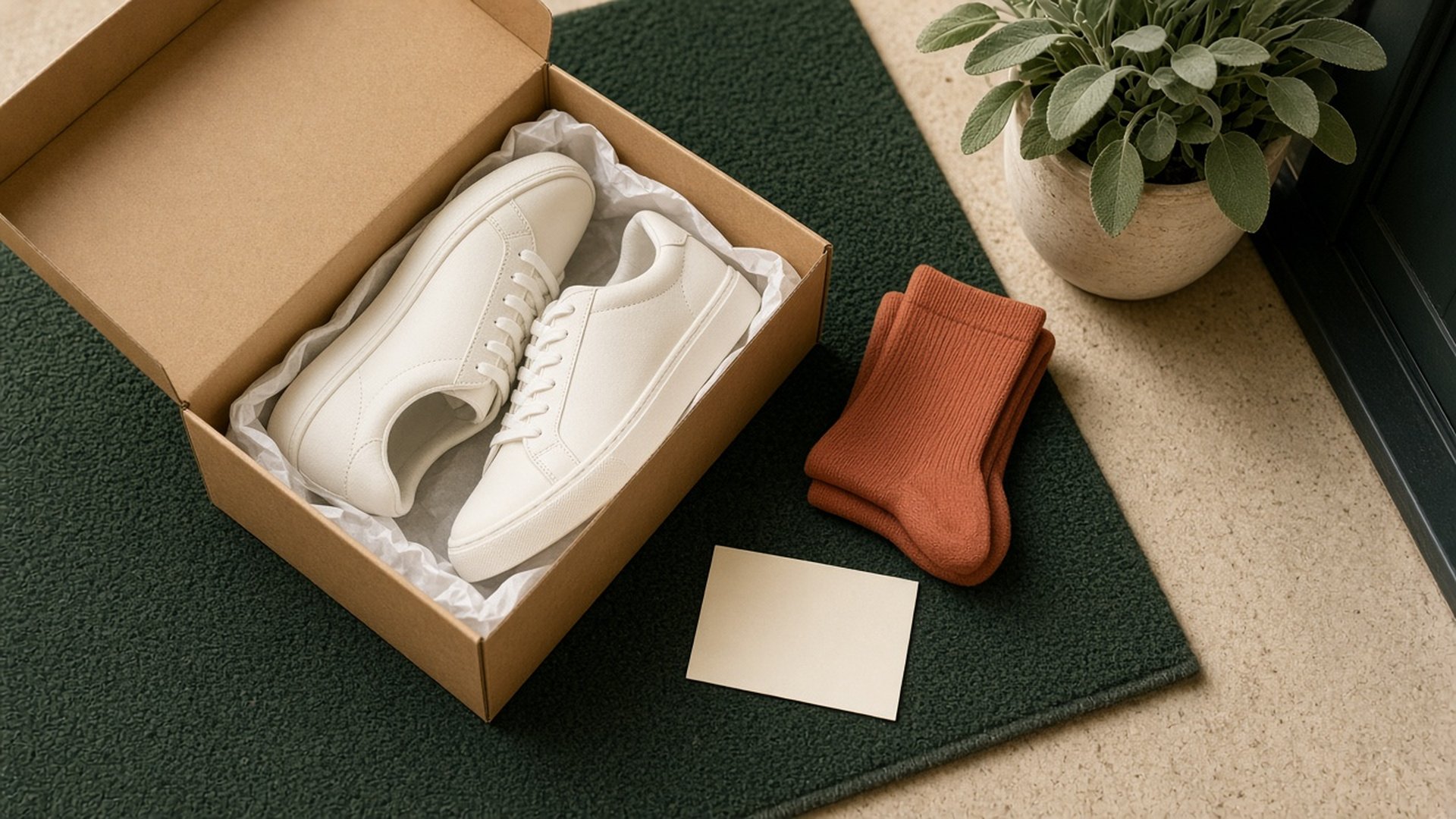
- Same use-case — shoes + socks yes; shoes + coffee usually no;
- Protect margin — deep discounts on every upsell train bad habits;
- Check stock — an OOS suggestion is worse than silence;
- Order value — cheap complement for tiny carts; sensible bundles for larger ones.
If you lack a catalog AI recommender, start with a manual category→complement map. We do not claim Leadara is a magic product-recommendation engine; events + segments + journeys are enough to run your rules.
Timing and tone for SMS / email
Order-confirmation email often has the highest opens; a light complement can fit, but do not smother the purchase experience. Reserve SMS for short, time-bound offers with marketing consent.
Day-2 SMS example:
“[Brand] thanks for [short product]. Want [short complement]? [link] STOP11”
Email subject example: “Often bought with [product]”
Avoid:
- Aggressive upsell in the same minute as payment stress;
- Repeating the same offer daily for two weeks;
- Ignoring returns — exit if the order is cancelled/refunded.
Consent and channel
A next-sale offer is usually promotional. A tracking-SMS number is not marketing consent by itself. Use explicit SMS opt-in and clear email unsubscribe.
Step-by-step implementation checklist
- Purchase event with SKU / category / amount;
- Complement map category or SKU → offer (even a simple sheet);
- Separate journey from review and replenishment;
- Delays per the table; branch by category;
- Filter — do not suggest something already in the same order;
- Exits — offer purchased, return, opt-out;
- Frequency cap with other post-purchase journeys;
- Two-week test — CTR, add rate, attributed revenue, STOP.
| Metric | Definition | Signal |
|---|---|---|
| Offer CTR | Clicks / sends | Weak subject or irrelevant offer |
| Complement add rate | Offer add-to-cart / click | Weak complement fit |
| Complement purchase rate | Orders including offer / entries | Core ROI |
| AOV in window | Average value | Did it actually rise? |
| STOP rate | Opt-outs / SMS | Too much pressure |
Common mistakes
- One mega-journey for review + sell + replenish;
- Irrelevant offers just because “there’s a sale”;
- SMS without consent;
- Costlier upsell with no value explanation;
- Continuing after a return;
- No complement map — only “check our other products.”
How to build it in Leadara (truthfully)
- Attach
order_completedwith category/SKU properties to the profile; - Segment or branch the journey by purchase category;
- Delay + Email/SMS steps with complement PDP links;
- Exit on second purchase or equivalent event;
- Send SMS via your Kavenegar/Nikaline with consent;
- Internal AI Chat drafts team copy — not a sales bot inside customer live chat;
- Live Chat for human compatibility questions;
- On-site thank-you popups can show the same offer — sync with the message journey so it does not double-hit.
Example complement maps for three common categories
| Purchase category | Suggested complement | Cautious upsell | Note |
|---|---|---|---|
| Athletic shoes | Performance socks / insole | Higher model, same brand | Read size from the first order |
| Skincare | Matching sunscreen / moisturizer | Larger pack of the same serum | Keep replenishment timing weeks apart |
| Small appliances | Filters / accessories | Extended warranty or stronger model | Mention install/compatibility in copy |
Refresh this sheet monthly with “bought together” data. You do not need to claim a complex recommender.
Coordinating with Black Friday and seasonal campaigns
During sitewide discount waves, do not kill the cross-sell journey unless your offer contradicts campaign pricing. Prefer to:
- Exclude “purchased in last 7 days” from repetitive blasts of the same SKUs;
- If a seasonal code is active, reuse it clearly in the complement message instead of a confusing second code;
- Unify daily SMS caps with the seasonal campaign so nobody gets four messages in one evening.
Simple branching without over-engineering
- Fragile/install items → wait ~3 more days before an upsell;
- Low order value → only a cheap complement;
- Two purchases in 30 days → mild loyalty bundle or faster shipping (if real) instead of another discount;
- Open return → stop all sell offers.
FAQ
Cross-sell vs upsell?
Cross-sell is a complement; upsell is a better/larger option. First messages are usually safer as cross-sell.
Can it live in the confirmation email?
One light offer yes; a noisy sales wall no.
Collision with review requests?
Separate timing: complements earlier; reviews after delivery/use.
Collision with replenishment?
Replenishment is for consumables later. This flow is for complements to the purchase just made.
Must we discount?
No. Product relevance often beats a flat 10% code.
How many messages?
Two to three touches in two weeks is enough for most stores.
No recommender engine?
Start with a manual category→complement map and revise monthly from sales.
How do we know it works?
Attributed revenue from offer clicks and AOV change over two weeks — not opens alone.
Wrap-up and next step
This week: map complements for three bestseller categories, build a post-purchase journey separate from review and replenishment, write a calm day-2 email, verify SMS consent, and measure complement CTR and purchases. Second sales come from relevant messages, not “everything is on sale” blasts.