Journey live-data fetch vs hosted catalog collection: runtime API fields vs template-time catalog search
Live-data webhooks mid-journey vs hosted catalog collections at render—failure paths, caps, FAQ.

Amir Hosseini
Runs email, SMS, and push campaigns for acquisition, retention, and reactivation.
September 24, 2026 · 7 min read
Also available in فارسی
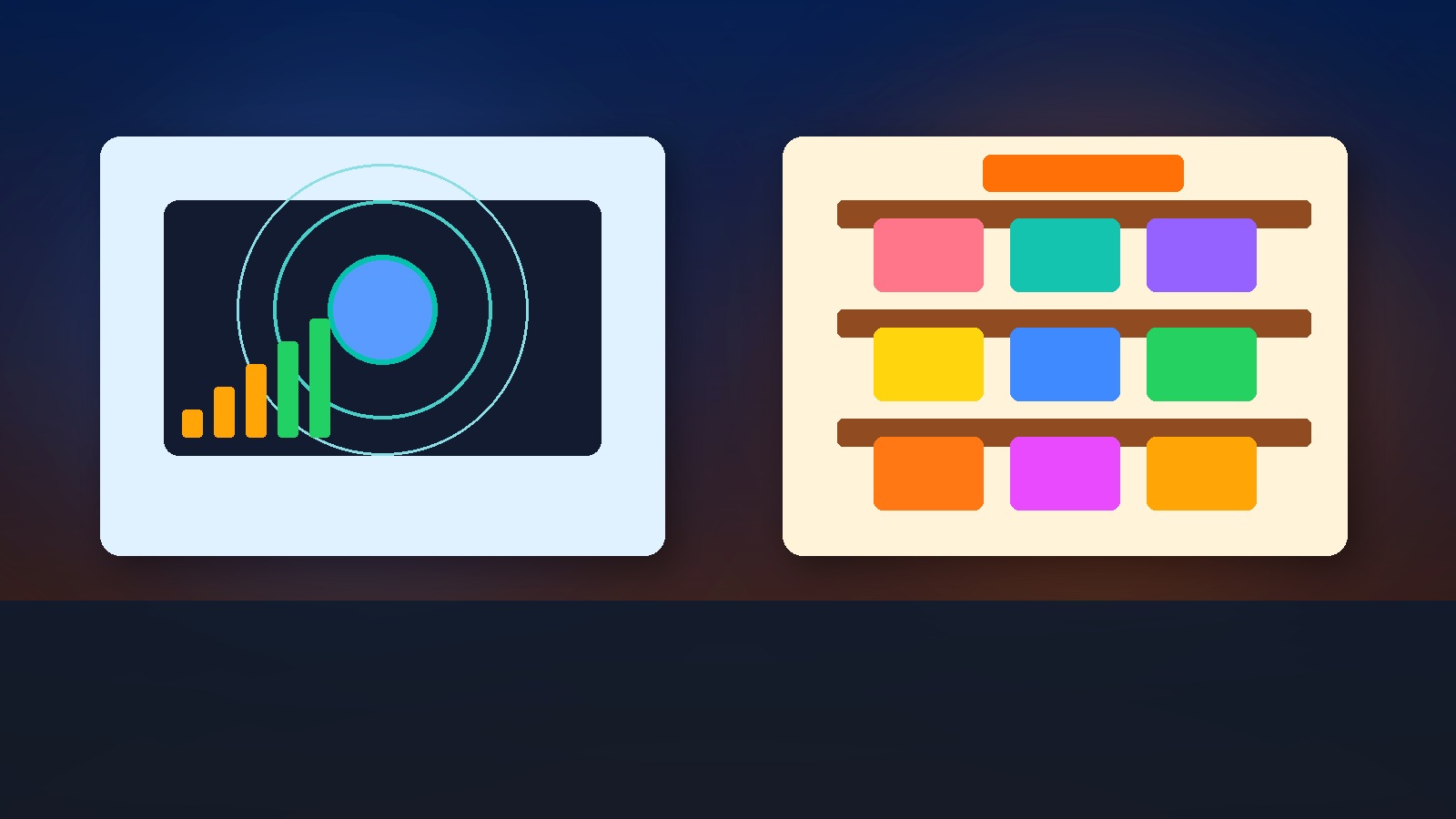
Live-data tiles call an HTTPS webhook mid-journey, select response fields, and use them for routing/personalization with an explicit failure path; hosted catalog collections search items you uploaded into the platform, mainly at message render time.
What is the difference between journey live-data fetch and a hosted catalog collection?
Realtime orchestration and catalog personalization get conflated in tickets: “just pull the price live” versus “use the product catalog.” They are different infrastructure choices with different failure modes.
Live data = mid-journey HTTPS call, map fields into the trip, branch on them, handle failure explicitly (size caps are common design guards).
Hosted catalog collection = items you uploaded into the MA tool, searched mainly when rendering email/SMS (or setting trip attributes from a local query)—no dependency on your API being up at send time if the catalog snapshot is already inside the platform.
How each works
Live-data / data-retrieval webhook
A journey tile calls your endpoint, requires a successful test before save in many tools, lets you pick response fields (often with payload/field-count caps), and exposes a Failure path when the call errors or times out. Those fields can drive filters, splits, and personalization later in the same trip.
Hosted catalog collection
You upload or sync products/content into a collection. At render (or via a collection-query attribute step), the template searches items—by id, preference, or query. Freshness equals your last sync, not the millisecond price on your PDP.
| Dimension | Live-data fetch | Hosted catalog collection |
|---|---|---|
| When it runs | Mid-journey (orchestration time) | Mostly message render / local query |
| Infra you own | HTTPS API uptime, auth, latency | Catalog sync into the MA tool |
| Failure mode | Explicit failure path / skip | Missing item / empty search |
| Best for | Scores, inventory, eligibility, live price | Stable product cards, recommendations from hosted SKUs |
| Limits to design for | Payload size, field count, timeouts | Sync lag, catalog completeness |
| Auth | Headers/secrets on the call | Platform-side catalog permissions |
Pair this with Personalization vs segmentation: who gets the message vs what they see (render-time remote include vs local catalog) and Event-centric vs contact-centric automation: behavior streams vs person records (side-effect calls vs behavior triggers).
Concrete examples
Loyalty points from your API
Mid-journey live-data GET /loyalty/{id} → map points, tier. Branch: tier Gold → SMS VIP perk; else email standard. Failure path → email without points mention (never invent a number).
Product cards from hosted catalog
Post-purchase email searches catalog by last_product_id for image, name, URL. No need to hit your PDP API at send time if the catalog row is synced hourly.
Inventory-sensitive upsell
If stock changes every minute, live-data (or a short-TTL cache API) beats a 12-hour catalog sync. If stock is stable, catalog is cheaper and safer.
When to choose which
- Need the value to route the journey → live data (or event properties already on the trip).
- Need pretty product blocks from known SKUs → hosted catalog.
- Always define a Failure path for live data—never fail open into a wrong discount.
- Test the webhook with production-like payloads before publish.
- Do not put secrets in query strings; use headers.
Leadara mapping (events, segments, journeys, email/SMS)
Leadara’s honest core is events, segments, journeys, email/SMS. Map the pattern without inventing product SKUs:
- Events: carry ids you’ll look up later (
product_id,order_id). - Segments: audience eligibility before you spend API calls.
- Journeys: wait/branch on event properties you already have; when you must call out, treat it as an integration step with a documented failure behavior.
- Email / SMS: render with known fields; prefer catalog-like content modules for stable product chrome; keep live numbers out of the subject line if the call might fail.
Also see catalog-triggered vs event-triggered flow when the entry itself should be a product state change rather than a user action.
Common mistakes
- Calling live APIs for every pixel of an email that a catalog could serve
- No Failure path → wrong personalization or hard errors
- Oversized JSON payloads past vendor caps
- Catalog treated as realtime inventory
- Logging PII from webhook responses into trip attributes without retention rules
One-line takeaway
Live data = runtime API fields with a failure path; hosted catalog = template-time search over items you already uploaded.
Next step
List three personalization fields in your top journey. Mark each L (live API) or C (catalog/hosted). If everything is L, you are paying latency and incident tax you may not need.
FAQ
Is live data the same as an outbound-only webhook?
No. Outbound-only notifies another system; data-retrieval maps response fields back into the journey.
What about 50KB / field-count caps?
Treat them as design guards: select fields, do not dump entire ERP payloads.
Can catalog updates trigger journeys?
Some stacks support catalog-triggered flows—different from render-time lookup. See the catalog-triggered vs event-triggered post.
Failure path best practice?
Fail closed on money (no fake discount); fail soft on cosmetic fields (omit the block).
Caching?
Short TTL caches in front of live endpoints reduce load; document staleness.
SMS with live price?
Dangerous if the call fails mid-send; prefer precomputed event properties when possible.
Who owns the endpoint SLA?
Write it in the ticket: marketing owns the journey; backend owns p95 latency and auth rotation.
Step-by-step setup mindset
- Write the JSON contract (request + selected response fields).
- Build a Failure path creative.
- Load-test the endpoint at expected journey volume.
- Prefer catalog for images/titles; live for eligibility/scores.
- Preview with a real profile and a forced 500 from a staging stub.
- Monitor failure-path entry rate after go-live.
Metrics
- Live-call success rate / p95 latency
- Failure-path entry share
- Catalog coverage (% SKUs with image+url)
- Complaints about wrong price/points in messages
Product + data ticket line
liveGET /loyalty/{id} → points,tier; failure=email_no_points; catalog for product cards hourly sync; never fail open on discount
Security and privacy guards
- Auth headers, not URL tokens
- Minimize fields stored on the trip
- Expire trip-scoped attributes on exit when the tool allows
- Do not echo full webhook bodies into email HTML
Versus stuffing everything into events
If the producer can emit loyalty_tier on order_completed, you may not need a mid-journey fetch at all. Events first; live fetch second; catalog for chrome.
Iran retail vignette
An online electronics retailer wants “your trade-in credit is X Toman” in a mid-journey SMS. That number must come from a live credit API with a Failure path that sends a generic “check the app for your credit” SMS—never a guessed amount. Product images in the follow-up email can stay on the hosted catalog synced every hour. Mixing the two keeps incidents off the money path and still looks premium.
Acceptance tests
- Force HTTP 500 from staging → Failure path only; zero invented fields in the inbox.
- Force 2s latency → journey still advances within your timeout budget or fails closed.
- Remove a SKU from catalog → email omits the card instead of broken image URLs.
- Rotate API auth → document who updates the journey secret.
Author checklist before publish
- Selected fields only (no full ERP dump)
- Failure creative reviewed by support
- Catalog coverage report for top SKUs
- Event properties preferred over fetch when already available
- Subject lines free of live-only numbers when possible
## Related reading
- Personalization vs segmentation: who gets the message vs what they see
- Catalog-triggered vs event-triggered flow: product state change vs user action
- Event-centric vs contact-centric automation: behavior streams vs person records