What is a replenishment flow? Reorder before the product runs out
Define replenishment flows vs thank-you/cross-sell, estimate cadence from last purchase and category, build email/SMS journeys with repurchase exits, Iran examples.

Sara Moradi
Designs customer journeys and marketing automation campaigns for retention and lower churn.
September 14, 2026 · 7 min read
Also available in فارسی
What is a replenishment flow?
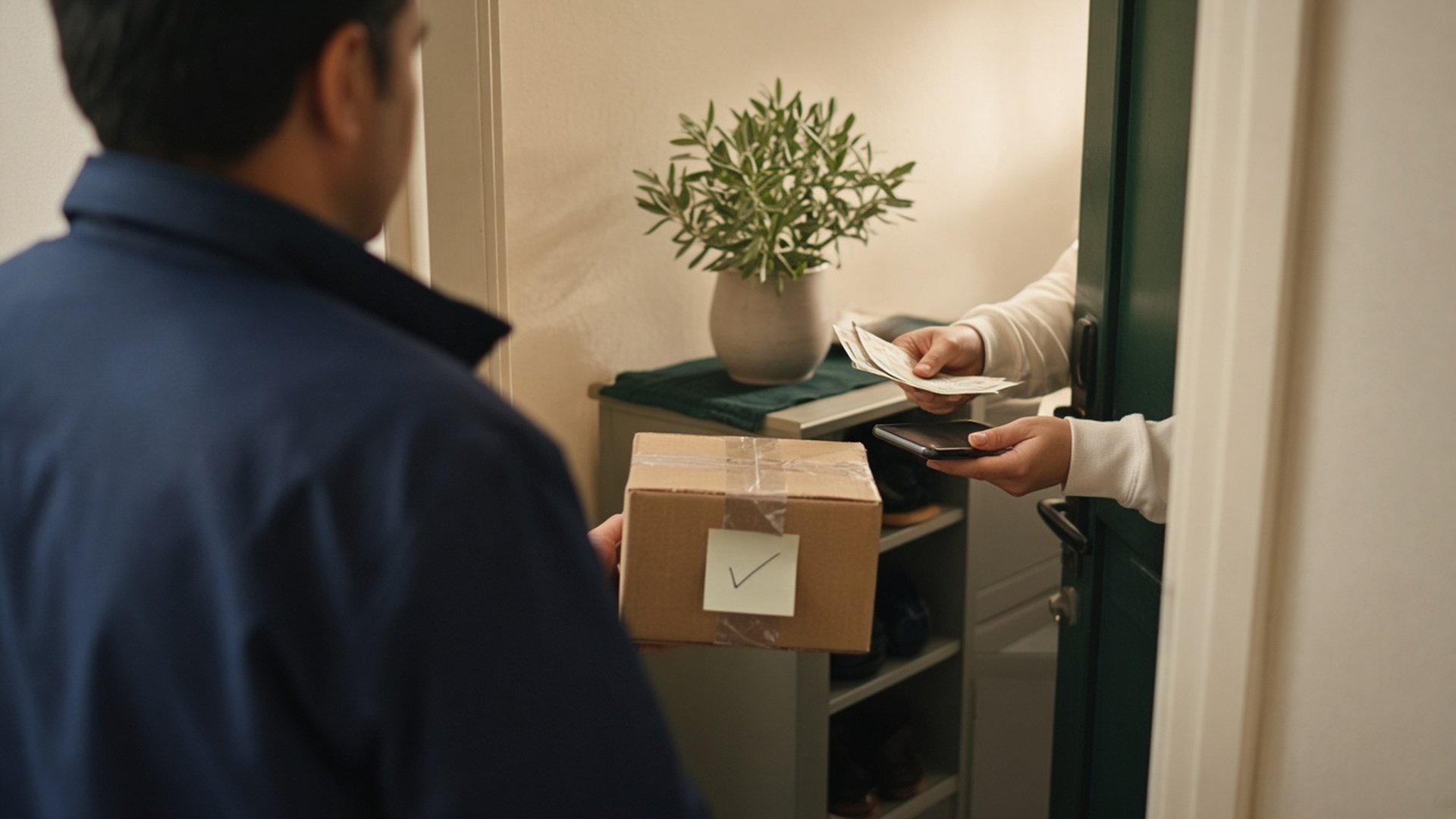
A replenishment flow is automation timed to the consume cycle: after a purchase, you estimate when the product will run out and send an email or SMS before it runs out — not after, and not as a “thanks for your order” note.
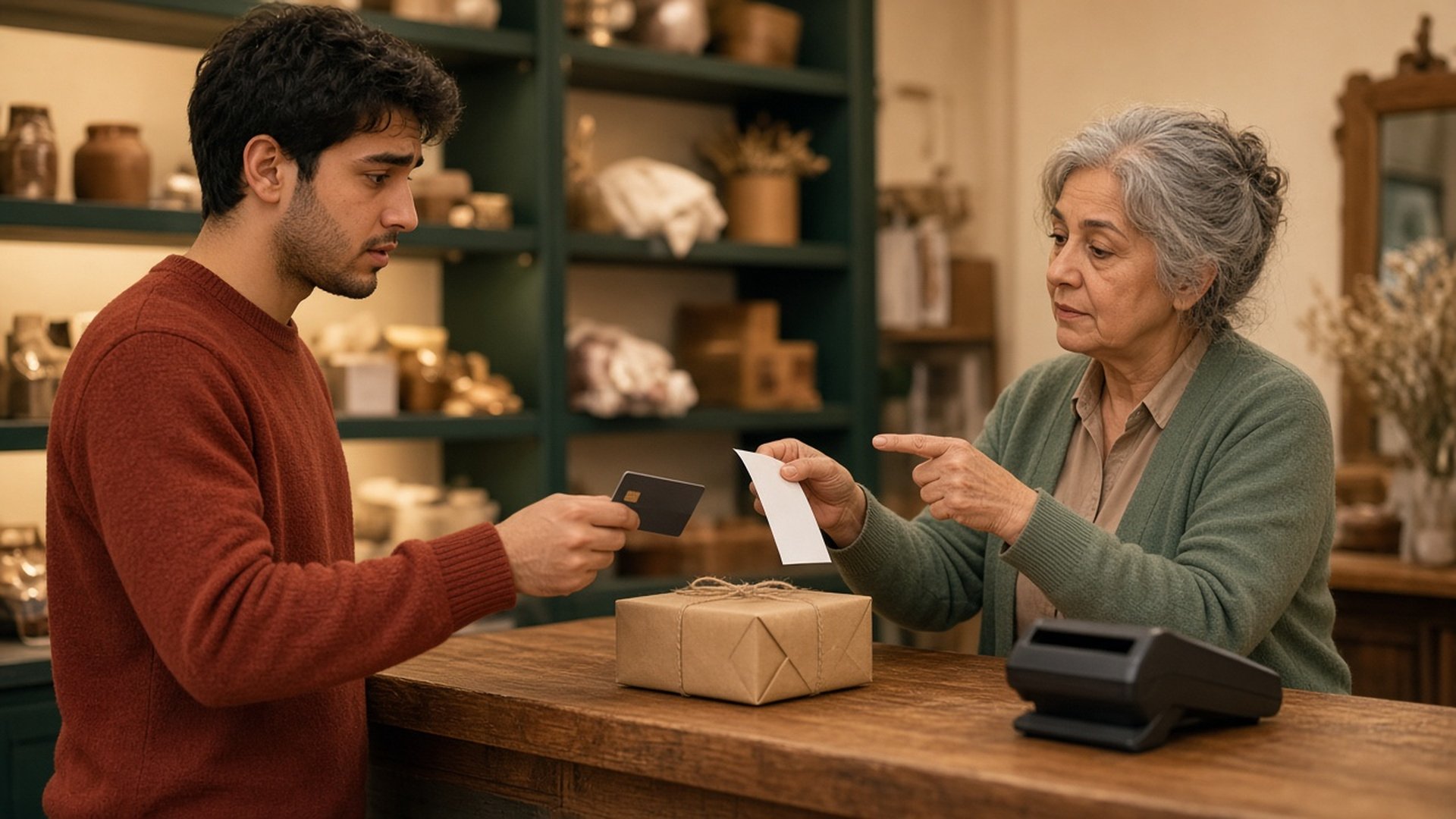
One-line answer for eCRM teams: replenishment = reorder reminder on consume-cycle cadence; thank-you / cross-sell = post-purchase value or adjacent offer in the purchase window. Do not mix them.
If you only send order thanks and “similar products,” you do not have a replenishment flow yet. First learn when buyers of that category typically need more — then build a path with an exit on repurchase.
Where this sits in retention: What is lifecycle marketing? Onboarding, retention, and win-back.
Why it is not thank-you or cross-sell
| Dimension | Replenishment flow | Thank-you / post-purchase | Post-purchase cross-sell |
|---|---|---|---|
| Job | Reorder the same/similar item before empty | Gratitude, shipping expectations, trust | Adjacent or upgrade offer |
| Timing | Near the end of the estimated consume cycle | Hours to a few days after purchase | Usually the same post-purchase window |
| Signal | Last purchase + category + cadence | order_completed event | Purchased cart/category |
| Exit | On repurchase of that goal | End of a short series | Adjacent click/purchase or cap |
| Failure mode | Too early/late → ignore / STOP | Discounting the thank-you | Noise stacked on welcome |
Simple rule: if you would send the same copy with no sense of “almost empty,” it is not replenishment.
How to estimate cadence from last purchase + category
You do not need magical prediction. Three layers are enough:
- Last purchase of the same SKU or category (
order_completed+ category/SKU attributes) - Median repurchase gap for that category over the last ~90 days (among people with at least two purchases)
- Safety buffer — remind a bit earlier than the median (about 70–85% of the cycle) so the message arrives before empty
Starter table for Iranian ecommerce
| Category | Starter cadence (practical default) | Suggested buffer | Iran note |
|---|---|---|---|
| Coffee / powder / capsules | 14–30 days by pack size | 3–5 days early | Packs are not 100% consumed; separate repeat buyers first |
| Skincare (daily serum/cream) | 28–45 days | 5–7 days early | Do not confuse seasonal sales with consume cycle |
| Pet food | 7–21 days by bag weight | 2–4 days early | Stock and pet size matter; keep SKU precise |
| Supplements / course vitamins | Often ~30 days | ~5 days early | Channel consent only; no medical claims |
| Household consumables | 20–40 days | 4–6 days early | Avoid blasting “all cleaners” |
How to improve the number: for each category, compute the median gap between purchase 1 and purchase 2; strip tiny gaps (double orders) and extreme longs (one-time buyers). If data is thin, start with the table above and recalibrate after 60–90 days.
Email/SMS journey structure with exit on repurchase
Leadara runs on events, segments, journeys, email, and SMS. A healthy pattern:
- Clean events:
order_completedwithcategory,sku,quantitywhen available - Entry segment: buyers of category X still inside the replenishment window + channel consent + no repurchase of that goal yet
- Wait until the reminder point (category cadence, not brand calendar)
- Touch 1 — soft email: “If you’re running low, here is the same product/stock link” — no deep discount for everyone
- Short wait (2–4 days)
- Touch 2 — SMS or short email only for consented people who did not convert on touch 1
- Conversion exit: on
order_completedfor that SKU/category (or stated goal) — kill the path - Caps: max 2–3 touches per cycle; suppress against welcome and abandoned cart
Timed blast vs behavioral path: Journey vs campaign in marketing automation.
Touch table
| Touch | Channel | Message | Condition |
|---|---|---|---|
| 0 | — | Wait to ~75% of cycle | After purchase |
| 1 | Stock reminder + same product/category link | No repurchase yet | |
| 2 | SMS or email | Short shortcut / stock nudge | Consent + no conversion after touch 1 |
| Exit | — | Stop path | Goal order_completed |
Do not merge welcome with replenishment; welcome is activation, not “your coffee is empty.” Keep welcome separate: Welcome email + SMS series.
Iran examples: coffee, skincare, pet food
1) Online coffee shop
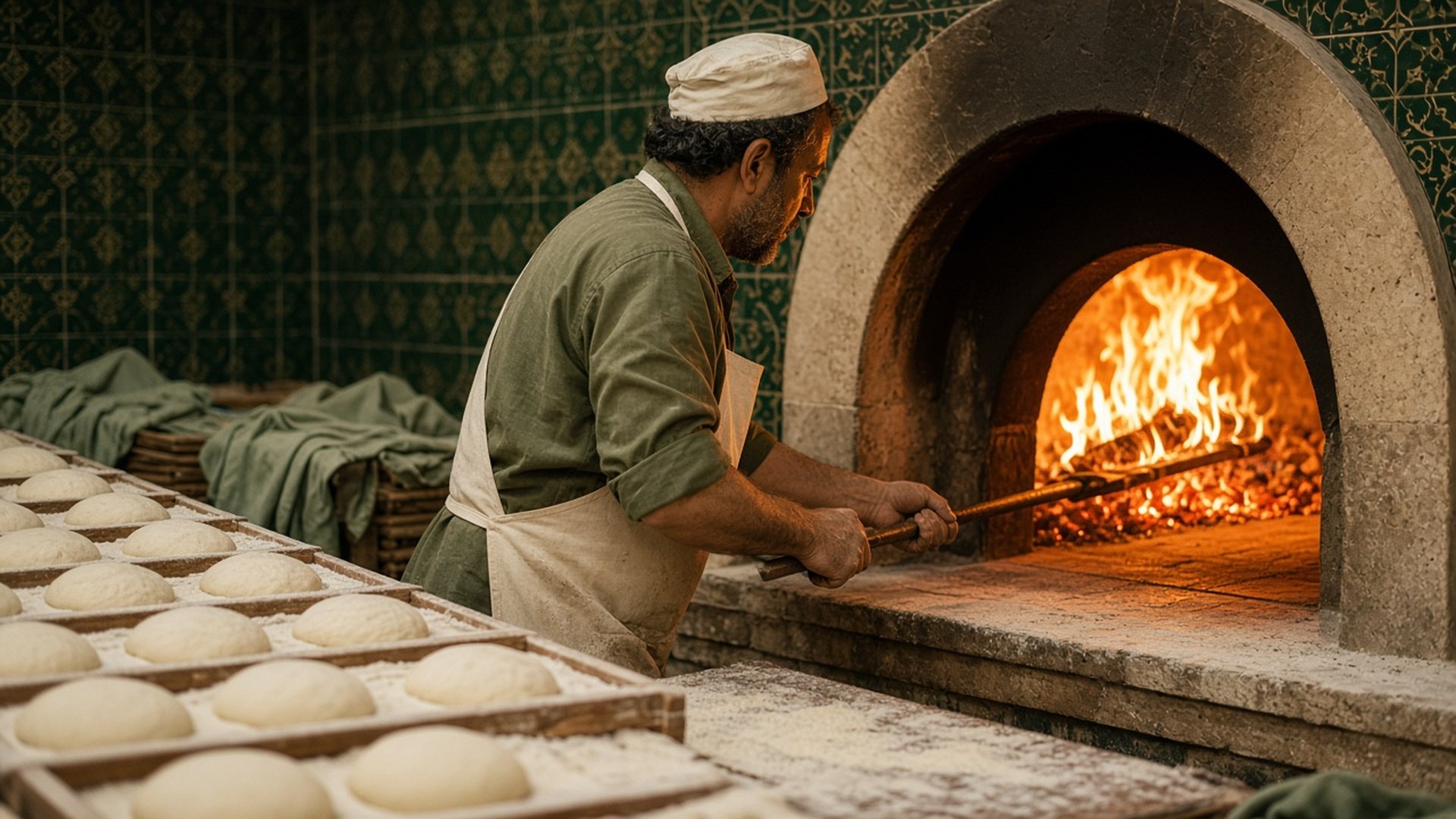
- Customer buys a 250g bag; repeat buyers often return every 18–25 days.
- Segment: last coffee purchase 18–22 days ago + no new coffee order.
- Email around day ~19: same SKU link + two nearby options (not a 30% off for everyone).
- SMS around day ~22 only for SMS opt-ins.
- Exit on any coffee-category
order_completed.
2) Skincare brand
- 30ml serum; assume ~35-day cycle, remind on day 28.
- Copy is about “running low,” not “end-of-season sale.”
- If they bought a night cream in between, do not auto-exit the serum path unless your goal was “any skincare” — write the goal on day one.
3) Pet-food store
- 3kg bag; derive cadence from bag weight × rough consumption or from median repurchase of that SKU.
- SMS is often higher value here because empty is real urgency — but only with separate SMS consent and a hard cap.
- Do not promise warehouse stock in copy unless you truly sync it; a product link is enough.
Common mistakes
- Calling every post-purchase email “replenishment”
- Reminding on day 2 for a 30-day product
- Deep discount on the first touch for everyone
- No exit on repurchase → “are you empty?” after they already reordered
- Treating email consent as SMS consent
- Weekly blast of “consumables” instead of per-person cadence
- Mixing win-back (already lost) with replenishment (still in cycle)
Checklist for this month
- Written definition: which paths are thank-you, which are replenishment
- Category/SKU attributes on
order_completed - Starter cadence table for your top 3 categories
- One journey with wait + email + repurchase exit
- SMS only for consented buyers on touch 2
- Suppress against welcome and 24–48h cart flows
- After 60 days: compare median repurchase gap to your starter assumption
Related reading
- What is lifecycle marketing? Onboarding, retention, and win-back — where replenishment sits in retention
- Welcome email + SMS series: a practical 7–10 day sequence
- Journey vs campaign in marketing automation
FAQ
What exactly is a replenishment flow?
An automated path that starts after purchase, waits until near the end of the consume cycle, sends a reorder reminder, and stops when that goal is repurchased.
Is it the same as a post-purchase thank-you email?
No. Thank-you closes the purchase window; replenishment serves the next empty-window.
How do we set cadence with little data?
Start with category defaults (table above), measure repeat buyers separately, then replace the assumption with your median after a few weeks.
How many touches are enough?
Usually two per cycle; a third only if consent and caps allow and there is still no purchase.
Is SMS required?
No. For truly time-sensitive empties (pet food, heavy coffee use) a shortcut SMS helps — only with separate consent.
What if the customer buys early?
The order_completed exit must kill the path; otherwise you burn trust.
What Leadara blocks support this flow?
Events, segments, journeys with waits/branches/exits, email and SMS. You compose cadence logic with those blocks.
Should we send everyone the same fixed calendar date?
Preferably not. Even with a category cadence, each person’s clock starts from their own purchase date — not “every Monday.”
Bottom line and next step
Replenishment flow = reorder reminder before empty on the consume cycle, with a repurchase exit — not thank-you and not cross-sell. This month, pick one top category (coffee, skincare, or pet food), write a cadence, ship one email journey with a purchase exit, add SMS only on touch 2 with consent, and judge success by repurchase rate and STOP — not by thank-you opens.