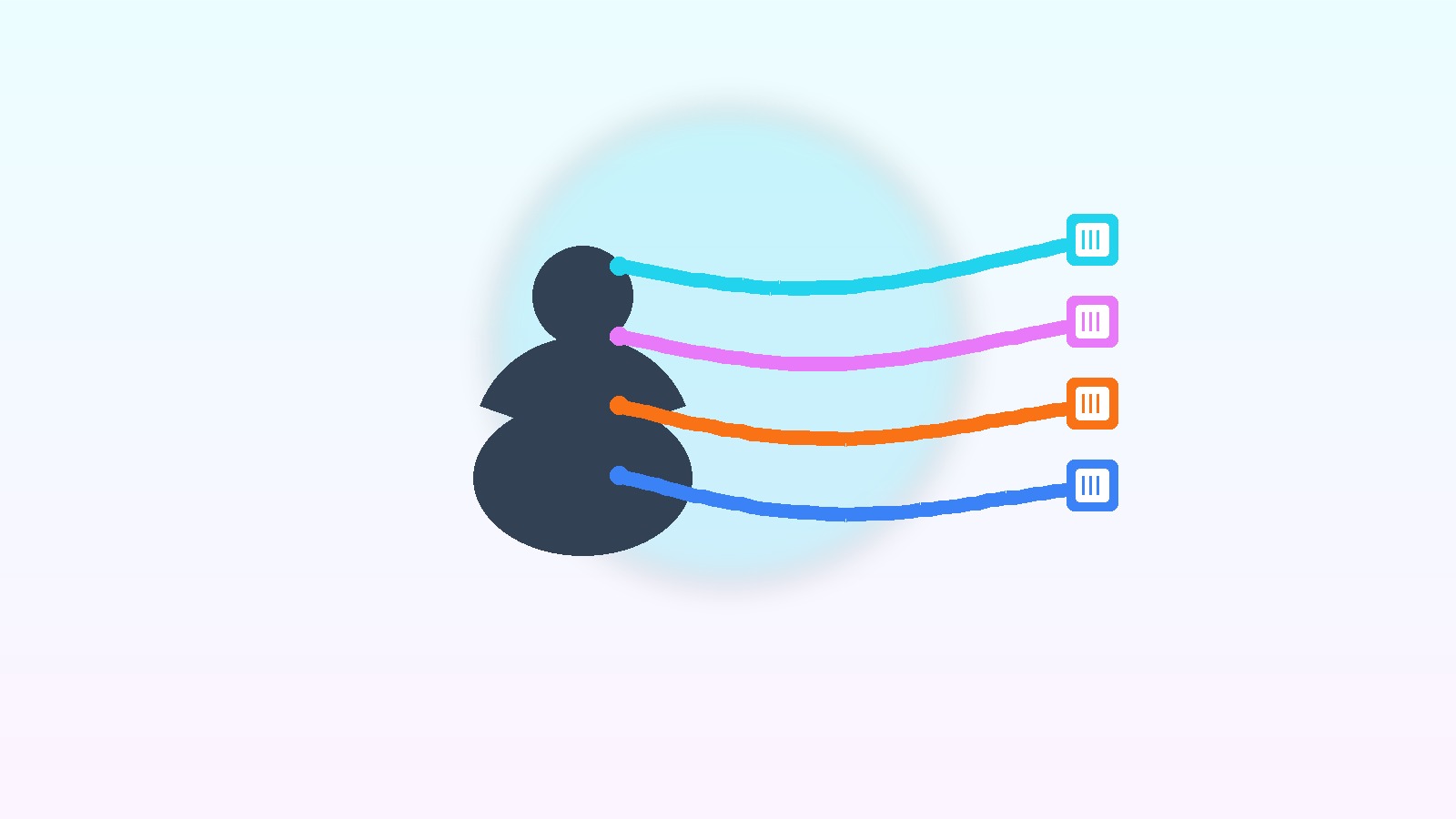
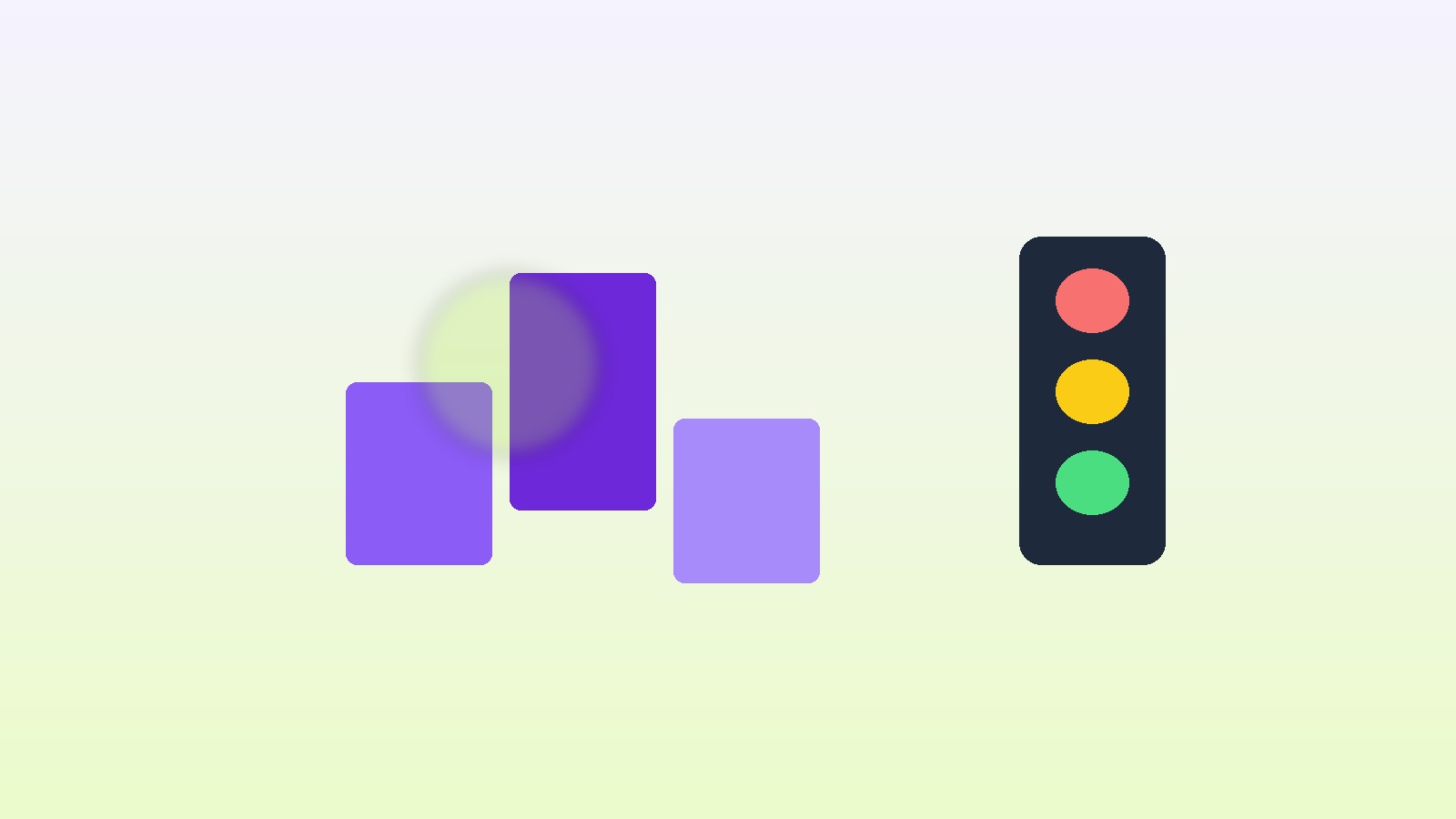
Trigger filter vs profile filter: gate on this event's payload vs gate on the person
Trigger filter vs profile filter: definitions, comparison table, Iran cart example, Leadara mapping, FAQ.

Amir Hosseini
Runs email, SMS, and push campaigns for acquisition, retention, and reactivation.
September 23, 2026 · 8 min read
Also available in فارسی
What is the difference between a trigger filter and a profile filter?
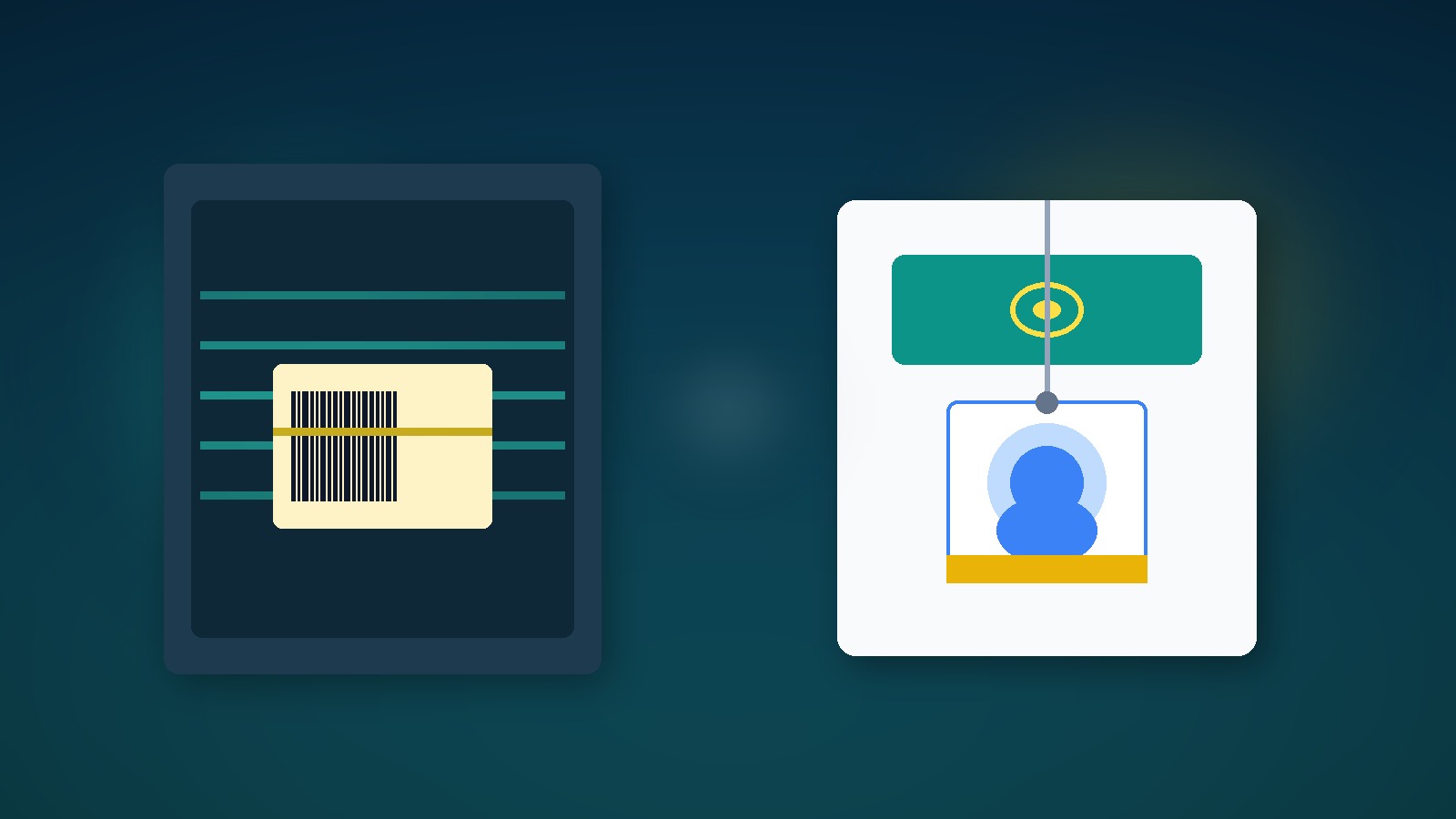
A trigger filter inspects properties on the firing event — usually only at entry time. A profile filter inspects durable person state and typically re-checks before each message so a mid-flow purchase can suppress later touches.
One-line for eCRM teams: trigger filter = gate on this event’s package; profile filter = the person’s ID badge. Classic abandoned-checkout flows need both.
Iranian teams often write “if Started Checkout, send email” and then wonder why someone who bought the same night still gets a reminder. The event was fine; the profile filter “placed order 0 times since starting this flow” was missing. Pair with channel choice: Abandoned cart email vs SMS.
How does a trigger filter work?
A trigger filter sits on the entry event payload. The engine asks: does this event qualify? If not, the person never enters the journey.
Common examples:
Started Checkoutonly ifcart_value >= 500000toman.Viewed Productonly ifcategory = shoes.Added to Cartonly ifitem_count >= 2.Form Submittedonly ifform_id = webinar-spring.
Properties that are not on the event are invisible here. Later purchases, VIP status, or monthly order count belong on profile filters — unless you copy them into the payload (usually an anti-pattern).
A trigger filter decides once at entry. After entry, changing the old event’s payload usually does not rewrite the path.
How does a profile filter work?
A profile filter sits on person state: profile attributes, counters, segment membership, last purchase date, channel consent.
Classic cart examples:
- “Placed Order 0 times since starting this flow” — re-evaluated before each email/SMS.
- “SMS consent = true” before an SMS step.
- “Tier is not VIP” if VIP has a separate path.
- “Email valid and not suppressed.”
Unlike trigger filters, profile filters are often re-checked along the path. Someone enters at 18:00, buys at 19:00, and the 20:00 step must go dark — even if the trigger filter correctly allowed entry.
| Dimension | Trigger filter | Profile filter |
|---|---|---|
| Sees | This event’s properties | Durable person state |
| When evaluated | Mostly at entry | Entry + usually before each message |
| Cart example | cart_value > X on Started Checkout | Placed Order = 0 since starting flow |
| Mid-flow purchase | Alone does not stop the path | Can suppress later touches |
| Data source | Event payload | Profile / segment / counter |
| Risk if missing | Noisy or wrong entries | Message after purchase |
| Right home | Event qualification | Ongoing person qualification |
Iran example: appliance checkout with both filters
An online home-appliance shop triggers on checkout_started. Without a trigger filter, sub-200k toman checkouts enter and burn SMS cost. Without a profile filter, someone who purchased 20 minutes later still gets “your cart is waiting.”
Diagnosis
| Problem | Effect |
|---|---|
| Trigger only, no purchase profile filter | Message after conversion |
| Profile only, loose trigger | Junk entries (test checkouts, tiny carts) |
| Profile checked only at entry | Mid-flow purchase invisible |
| Confusing blast segments with flow filters | Broken reporting logic |
| Copying profile fields into the event instead of a profile filter | Stale payload data |
Practical fix
- Trigger:
checkout_startedwith trigger filtercart_value >= 200000anditem_count >= 1. - Path profile filter:
order_completed0 times since flow start; re-check before each touch. - Path goal:
order_completedfor success exit. - Step 1 email after 1 hour; step 2 SMS only with SMS consent and the same profile filter.
- Suppress segment for weekly blasts while members are inside this flow.
For event-centric vs contact-centric framing, see Event-centric vs contact-centric automation.
When trigger filter, when profile filter?
- Qualifying the event itself (cart value, category, form) → trigger filter.
- Ongoing person qualification (purchased? consented? VIP?) → profile filter.
- Serious revenue paths → both.
- If you can only add one first, add profile filter “orders since start = 0” on cart — it stops post-purchase messages.
- Do not confuse content personalization with entry filters — that is a separate layer: Personalization vs segmentation.
Leadara mapping: events, segments, journeys, email/SMS
Leadara runs on events, segments, journeys, email, and SMS. Trigger and profile filters are two gate layers on that model.
- Events:
checkout_started,cart_updated,order_completed,product_viewed— only signals worth entering; standardize required payload fields. - Journeys: event entry + trigger filter; profile filters re-checked on steps; purchase goal.
- Segments: VIP, blast suppress, SMS consent — feed profile filters and reporting.
- Email: cart explanation and recovery link; depends on profile filter “still not purchased.”
- SMS: short escalation after email; same profile filter + channel consent.
Without clean events, trigger filters have nothing to see. Without purchase profile/counters, profile filters lie.
Common mistakes
- Calling every condition a “trigger filter” when it is on the person
- Checking purchase only once at entry
- No separate goal in addition to the profile filter
- Trigger filter too loose → channel cost
- Trigger filter too tight → lost borderline carts
- Judging only by flow entries, not post-purchase messages ≈ 0
FAQ
What is the difference between trigger filter and profile filter?
Trigger filter gates on the entry event payload; profile filter gates on person state and usually re-checks before each message.
Why do people still get cart email after buying?
Often the profile filter “orders since start = 0” is missing or not re-evaluated — or a purchase goal does not exit the path.
Is a trigger filter enough alone?
For event qualification, yes; for stopping post-purchase messages, usually no.
Is a profile filter the same as a segment?
A segment can feed a profile filter, but a profile filter on a journey step is a send gate — not necessarily the same as a blast audience definition.
What trigger filter is good for cart?
Minimum cart value, minimum item count, sometimes excluding gift categories or test SKUs. Tune with real data.
Do we need a separate profile filter before each channel?
At least one shared “not yet converted” filter; plus SMS-specific consent before SMS.
What is the right metric?
Post-purchase message rate (should be near zero), path conversion, STOP, and revenue per recipient — not entry count alone.
Does Leadara have features with these exact names?
You compose the logic with entry-event conditions, profile/segment conditions on steps, and a path goal.
Bottom line and next step
Trigger filter = gate on the event package; profile filter = person badge with re-checks. This week on one cart journey: (1) minimum-value trigger filter, (2) orders=0 profile filter with re-evaluation, (3) purchase goal. Aim for zero post-purchase messages for a week.
14-day test pattern
Days 1–2: lock checkout payload fields and purchase events in the catalog.
Days 3–5: build the journey with both filters and 10% holdout.
Days 6–10: enable second-touch SMS only with consent.
Days 11–14: compare post-purchase messages, conversion, and STOP vs the no-profile-filter version.
| Version | Trigger | Profile |
|---|---|---|
| A | Raw checkout_started | None |
| B | + min value | Orders=0 re-check + goal |
If B kills post-purchase messages and lifts RPR, make it the standard.
Team language: package or person?
In standup, if someone says “we added a filter,” ask: on the event or on the person? “Cart value on Started Checkout” is trigger. “Hasn’t purchased since starting the flow” is profile. Keep both on the whiteboard.
| Say | Means |
|---|---|
| Trigger filter / event condition | Gate on event package |
| Profile filter / person condition | Gate on person state |
| Path goal | Success exit after conversion |
| Blast segment | Campaign audience, not necessarily a step gate |
Go-live checklist for the filter pair
- Do required entry-event properties actually arrive?
- Does the trigger filter enforce min value/category?
- Is the profile filter re-evaluated before each message?
- Is a purchase goal defined in addition to the filter?
- Is SMS consent separate from the cart filter?
- Holdout to measure impact?
- Dashboard: entries, goal exits, post-purchase messages, STOP, RPR?
Without item 7, “we fixed filters” stays standup fiction.
Boundary with segmentation and personalization
Trigger/profile filters are entry and continue gates. Segmentation often answers who is in a campaign audience; personalization answers what they see inside the message. Three layers — none replaces the others.
If the team only knows blast segments, build a cart journey with profile filter “not purchased” first, then add a value trigger filter. Jumping to complex conditions without clean events fails.
Healthy signals
| Signal | Means |
|---|---|
| Post-purchase messages ≈ 0 | Profile filter + goal work |
| Very cheap entries down | Trigger filter works |
| Path conversion above raw version | Both gates have value |
| STOP flat | Channel escalation is not overdone |